It has been a busy week developing a range of ideas for the MOVING module class. We have moved away from scratch and the development of algorithms that are being laser cut this week, through to more hands on activities where students have opportunities to be curious and creative.
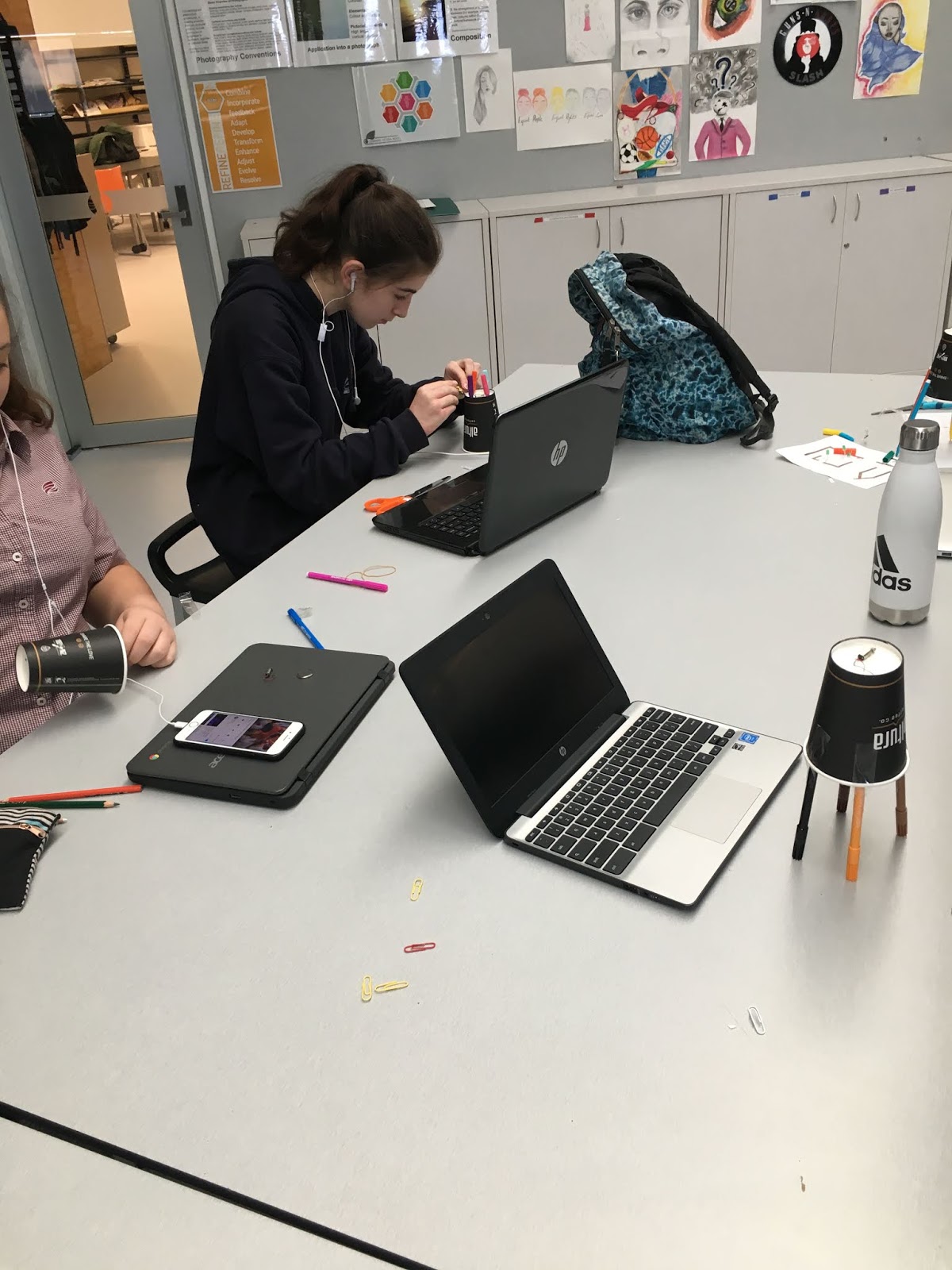
It started with coffee cups, with other stuff added in. Students created their own paper cup machine that they used to see if they could develop some interesting patterns. One thing that they talked about was all the testing that they did flattened the coin batteries that we were using.
Classroom Post
A pretty great lesson where large amounts of learning, laughter and fun of machines doing some pretty weird things.
This lead to students being able to compare their paper cup machines to robots today.
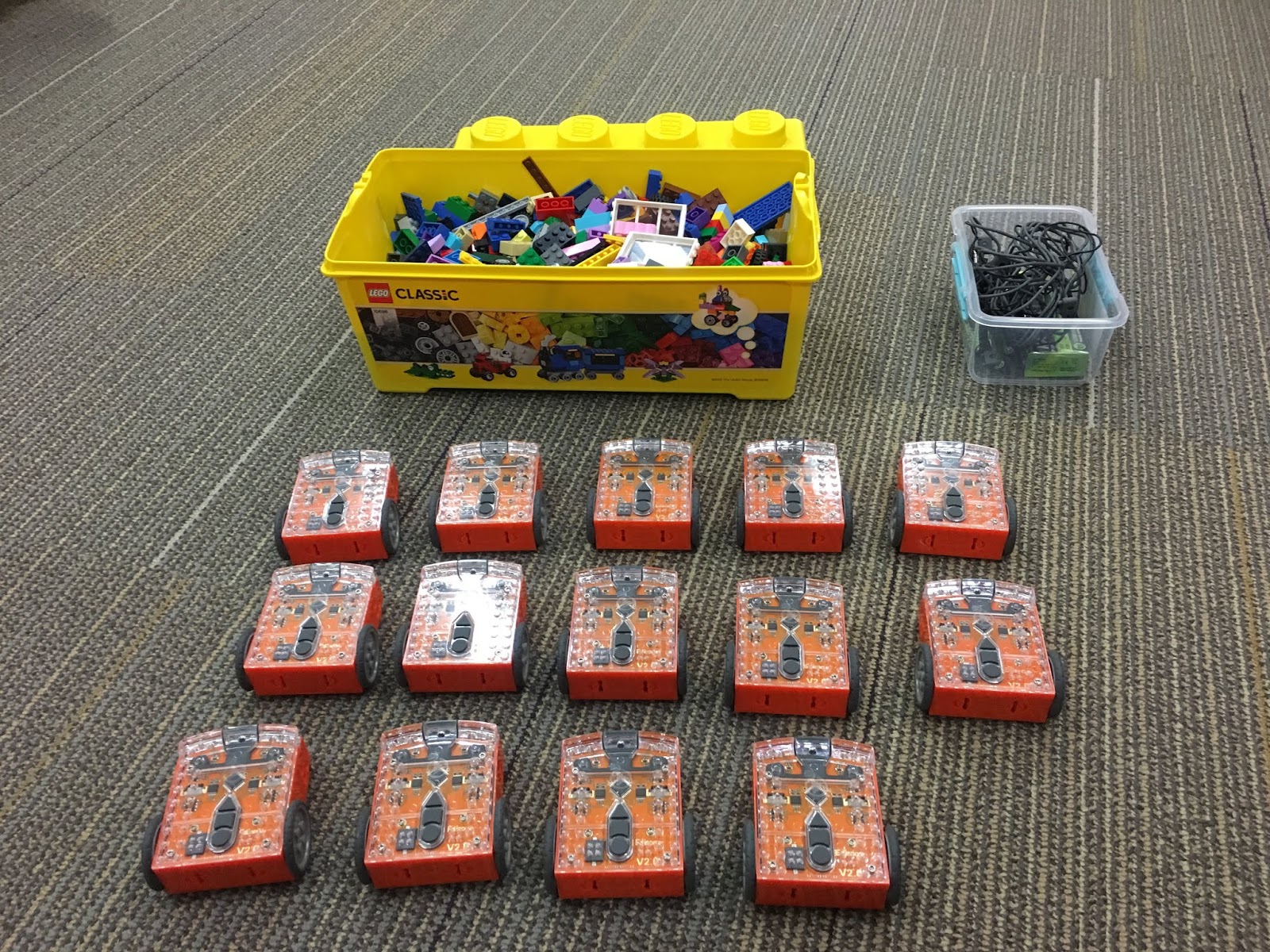
The kit, Edison Robots and LEGO
Year 13 working along side Year 9 and 10 exploring the edison robot and potential uses
Classroom post
The edison robots provided a good platform for students to learn how to develop and test ideas as part of the Computational Thinking Progress Outcome today. Having an opportunity to work in pairs to design a way for the pen to be held on the robot through to programming and testing the ideas out. Students were required to develop three patterns with their time today. This gave them the opportunity to try out different ideas. We used the the EdWare programming where just in time learning supported students to develop code, figure out how to upload the code to the edison robot and also trouble shoot fail codes. It is amazing how many of the students had there volume turned to mute.
We are continuing to use these for the next couple of weeks. The reason is that want students to develop cultural patterns using computers.
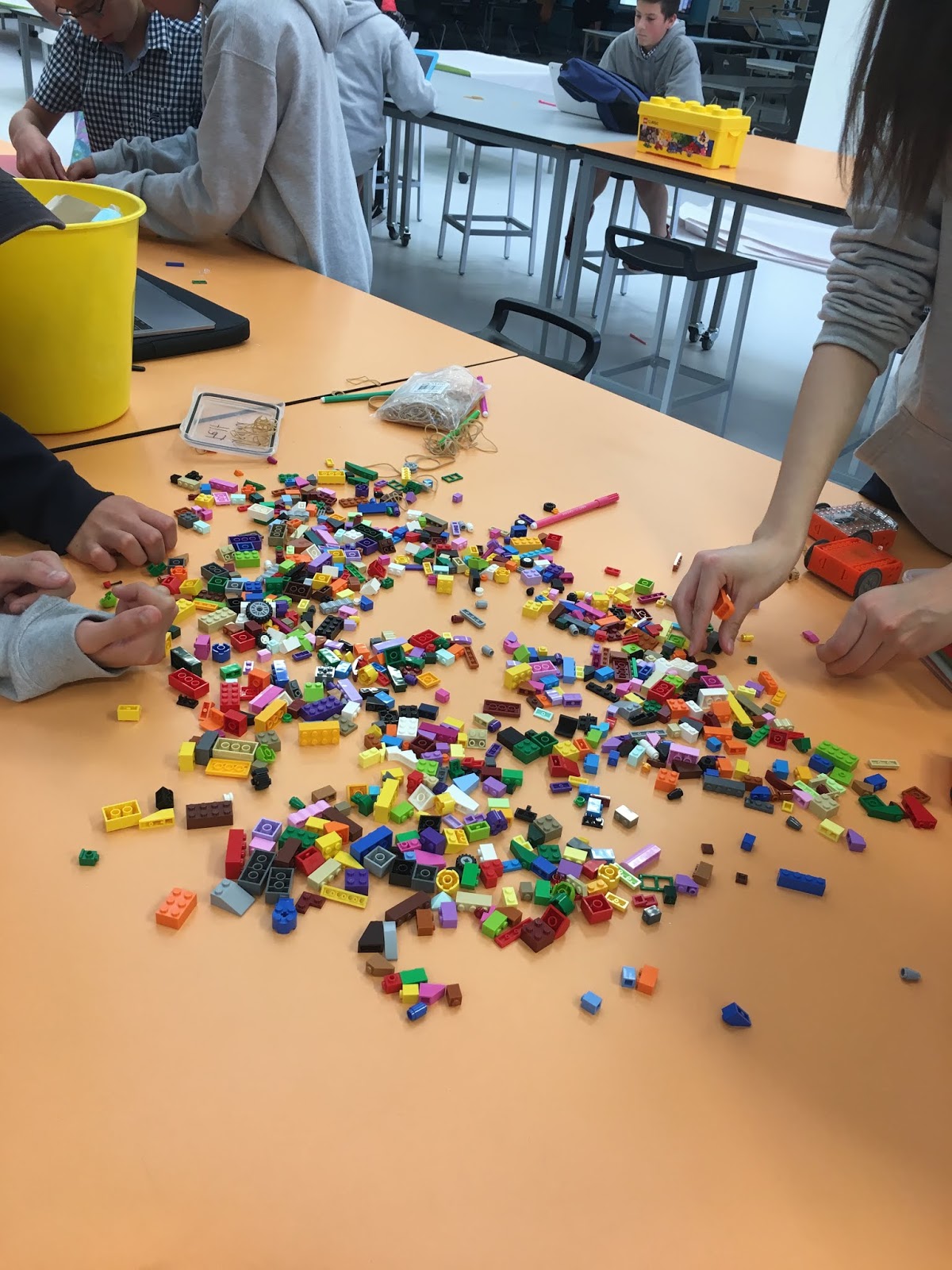
We have been looking at different ideas for holding the felts, however the hole is too small on this. But it has potential. The comments from students who liked the fact that we were using LEGO to develop the mechanisms to hold the felts. Even students who were not part of the class today and in other areas commented that they could hear the lego being tipped out and wished that they could join in the learning today.
Last year I bought a thinxtra kit and thought about how I could use it to develop aspects of the new Digital Technologies Curriculum as well as provide opportunities for students to provide new information about our community.
https://www.thinxtra.com/smart-school/
This initiative falls in-line with the government policy addresses to enrich the curricula, increase learning activities, step up efforts to promote STEM (Science, Technology, Engineering and Mathematics) education. This also aligns with the worldwide trend of equipping the next generation with the skills they need for the future workforce to adapt to the rapid economic, scientific and technological developments, and its challenges.
Throughout the development of the new Digital Technologies Curriculum, we have been thinking about how Internet of Things and developing a way to capture our community and the growing nature of it. Hobsonville Point is a new community developed on an old air force base. It has been under construction for the past 5 years and the school is looking for ways to link in with the community at every chance. We are already an Internet of Things building were all the data is combined with our Building Management System - http://modernniagara.com/what-we-do/building-controls/. However, as we grow we want to develop a better understanding of our environment.
The proposed solution through your pdf links in well with our school's mission statement. Innovate. Engage. Inspire.
It also links in well with the new curriculum and getting students to create and understand our own data and what it means for our community.
Getting students to think about how the might sense the environment around us, and providing us links to the community. We have the programmes in place already within our school through our Modules and SPINs to be able to provide students opportunities to develop and engage with the solution. Modules are a combination of two learning areas and two teachers, SPINs are a Special Interest class where it is one learning area and one teacher. We also have Projects were for one day a week students work to develop next ideas and understanding that links in with our community.
I look forward to hearing from you and how we can make this project work for our community and school and create a powerful linkage for the next 5 years.
UPDATE: Since emailing last night I have been contacted today and they are going to give us three kits. This is fantastic. It has also got me getting the one that I bought last year up and running and it seems that I should I activated this sooner as it was out of contract. They have since sorted this out for me and added it to our account.
The email support I have received from them has been fantastic.
Thinxtra is very supportive to help students to use technology to make a difference.
Some schools are doing some amazing things with IoT technology, like this school in Waitangi where we put up a dedicated basestation and provided Dev kits just for the schools purposes;- https://www.thinxtra.com/2018/05/mbas/
I would suggest as a starting point for your Student’s to look at their local environment and area and see what things they could improve? e.g. could be things like monitoring air or water quality, monitoring how often a classroom gets used, monitoring pest traps around the area, if people are using parking spaces appropriately, the list goes on…
These are a great starting point and before no time the students will be coming up with technology solutions solving some local problems.
API call for the data
This could be a great way to show Designing and Developing a Digital Outcome Progress Outcome 4 DDDO: Progress outcome 4
In authentic contexts, students investigate and consider possible solutions for a given context or issue. With support, they use an iterative process to design, develop, store and test digital outcomes, identifying and evaluating relevant social, ethical and end-user considerations. They use information from testing and apply appropriate tools, techniques, procedures and protocols to improve the quality of the outcomes and to ensure they are fit-for-purpose and meet end-user requirements.
Yesterday I was sent an email from our primary school about helping to develop an idea from one of the teachers.
Since today was a flipped timetable at the secondary school, I was able to go down this afternoon to work with them for an hour.
There are two students who want to help fellow students to develop their number knowledge. They have been doing this as part of a project and I was impressed by the work that they have done. They had who could they ask questions, what resources they needed to have, and I wonder statements.
They had drawn some designs in their book on how they wanted it to look and some of the features they wanted to have. They want to help students develop there addition, multiplication, division and subtraction as well as a skill they I slightly remember, skip counting.
We sat down and I asked them questions around my own clarification on what they wanted to do, challenged them in there thinking around correct and incorrect answers and how they would feel getting big red crosses for every incorrect answer.
We then started developing some code in scratch for them to develop some understanding.
They were so excited to see their ideas starting to work, testing the different components of the project was difficult because they knew the answers. Getting them to realise that sometimes you had to put in incorrect answers into your project even though you knew the answer required some coaching.
They have multiplication and addition now working, with score-based working at present.
The part that blew me away, is that they are only year 3, 8 years old.
This is part of me reflecting on the different opportunities of the digital technologies curriculum. The opportunity for students developing and sharing their ideas nationally currently doesn't have a year 3 programme, it starts at year 5. I wonder...
@gmacmanus you just got a decent shout at from @danielbirch68 and Kerry as they referred to your collaboration on the LC6 coding project - described as “part of the fabric”
This is a common phrase within schools, like it or not. Having the opportunity to start to recognise and deal with this is what I feel the cyclone energise conference is about. Give teachers opportunities to find there way out of the learning pit. A conference in the holidays helps me to find my way, connect back with people that are outside my school and region.
The energise conference is a fun filled, high energy Education Conference like no other. It focuses on empowering teachers and leaders to provide every student with the education that they deserve. Join us to connect with expert educators from early years, primary and secondary to explore the latest ideas on best practice teaching and learning and leadership.
Boy did it deliver. Starting off listening to Ali Carr Chellman - 'Gaming to Re-engage Learning' and finishing off with the keynote from Sylvia Duckworth - (Sketchnote queen) 'Why Creativity Matters'.
I had workshops with Cheryl Doig about collaboration and why it is needed to support students and teachers, with some good thinking around how we might better work towards better collaboration within our school.
Next was Matt Nicol from Rolleston and his Korero around how they are developing their school and what takeaways from its development over the past two years.
I then went to a session on the new Digital Technologies Curriculum and where to start. Having had some major input into the new curriculum strands, it was important for me to hear where other people are at. I think the kiwi phrase of "Yeh, na" nails it.
The second day I found myself at a bit of a loose end, the reality of holidays ending and emails starting to come in around changes to timetables and reporting start to hit. But I did make sure that I stayed engaged with aspects of the conference.
At 8am we had to find our teams, these were organised by the conference people, I was in a team of four, people I had never met over the conference and we had to use the information we were given and an ipad and sphero to complete challenges. I now know how my adventure racing students must feel when I have given them challenges to do with other students that they don't know. A quick getting to know you, what can you bring to the team and we were off, it seems that I got given the job of programming and making the sphero drive around, to tell you, this is something challenging, I swear it has a mind and control of its own.
To drive a sphero into a clam shell of water
To make a team flag
To make a chariot and race down a course
To drop the sphero in the paint and paint a creation on the floor
To stick an animal sticker on a cup and to program the sphero to act like the animal. We had a turtle.
All had to be videoed and photographed and placed up in twitter for evidence of learning.
All of this was design to show people how the new digital technologies curriculum - computational thinking could be used with students.
I must say I felt quite embarrassed when it was announced that we won the competition at the end of the day.
The end of the conference keynote was a highlight for me, from writing positive sayings on paper and then creating it as a paper plane and throwing it into the crowd, through to learning to draw was a highlight.
The paper plane that found me
My drawings
These are things that I can do with the students at school and I must say I have been doing since I returned from Christchurch.
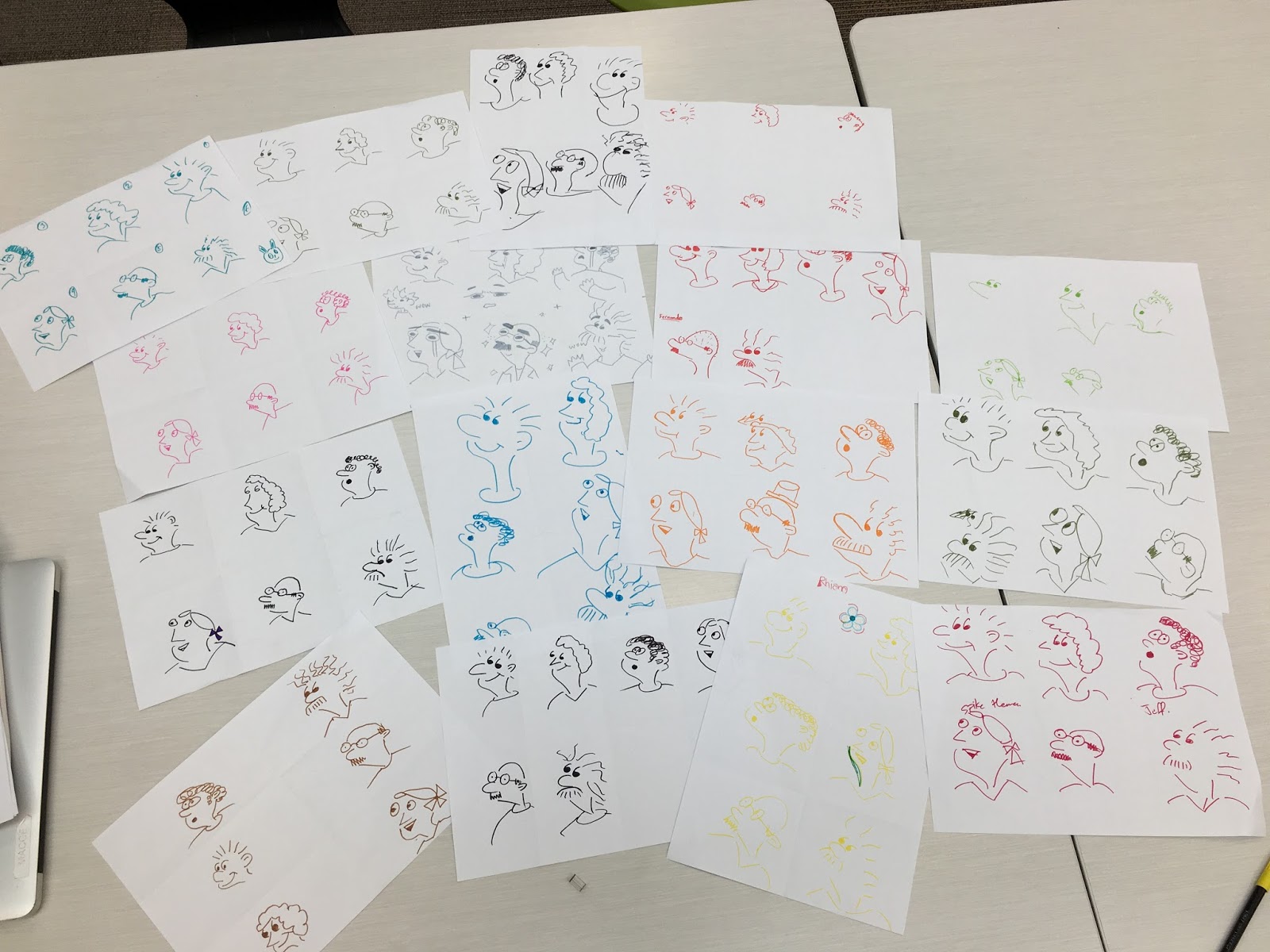
Here are the students drawing creations from the beginning of Mondays Learning Hub - Ako. The video is based on the TED talk, so you think you can't draw.
This inspired me to refresh an activity that I was introduced to back in 2015 when Steve Mouldey and Danielle Myburgh were in our community, Taheretikitiki at school. Sketch a day in May. Here is the blog post that started the drawing https://stevemouldey.wordpress.com/2015/04/30/sketch-a-day-in-may/
I developed this with my Learning Hub - Ako back in 2015 and it has been something that I wanted to bring back over the last couple of years, but Hub had changed and we were required to do other aspects of our Hub Curriculum. However this year, I have made a conscious choice to do Porowhita in a slightly different way. That is for the students to draw. they get a post it note and a felt. When they hand there drawing in they have to say what their drawing is about. This is then added to the table and a photo taken. I plan to add them to the Instagram feed that I created in 2015 called hubsketch.
I look forward to Learning hub tomorrow where I am exploring GRIT with the students. One of our Deputy Principals often talks about GRIT, http://lea72.blogspot.co.nz/2016/09/being-adventurous-requires-grit.html so it has been a good explore and make sense of what GRIT is and how it affects their lives. This is working towards developing Personal and Academic Goals for the students.
During the last weeks of Term One, I received a notification from mindkits that I needed to check out something. Something big was coming, http://mindkits.co.nz/moa. Being able to print off a scanned moa bone.
I have been talking to Tim for a number of years now and he was telling me some years ago that he had been able to scan a moa bone and was trying out an idea. It sounded interesting, but he wasn't allowed to share the files back then.
Little did I know that he was looking at it on this scale. He has so many boxes sitting at home with USB sticks in them with the files waiting for teachers to register so they can print there own bones.
This is incredible and allows teachers to have the deep conversations with students about the moa, extinction and history, all with a developed digital outcome.
I had been waiting for the courier package to arrive with the box and USB inside of it. However, a tweet kind of told me that this wouldn't be happening until after the holidays. Contact was made and I was on my way to pick up the box.
Little did I know that 102 hours of printing was needed for this to be developed. 5 parts of the leg would have to printed and then glued together. I knew I had limited days to do this before heading off to a conference where I wanted to be wandering around with this bone, a conversation starter, a way to energise people into the conversation.
It has proven to be a popular thread on twitter as I take photos throughout the print, it is also part of the competition, to tweet @mindkits with a photo and part of the story of how you are going, I added #mindkitsmoa so I could go back and find photos of the work for this blogpost.
It has been good to go through and have opportunities over the holiday break to try new projects, this one has been something to remember.
These are my thoughts... This is just some thinking I have been doing about the situation. I am thinking of not reporting the Progress Outcomes this semester as I need some more thinking and understanding of this issue and guidance from others about this.
I have been in meetings where there have been no decisions, no understanding of reporting in schools, I have been reading the comments and thinking about ways to be able to create a suitable idea on how to do this, even started reading some posts about reports and what it means for parents and whanau, what are the expectations for boards and ERO.
The board of trustees scrutinises the work of the school in achieving valued student outcomes
The activities of the board of trustees have an explicit and relentless focus on student learning, wellbeing, achievement and progress.
Board of trustees members seek and interrogate a range of high quality student data and evaluative information that supports:
- rigorous, honest monitoring of progress and evaluation of effectiveness in improving student outcomes.
My thinking, ask the board of trustees what they want to see? Show them the new curriculum, outline the new progress outcomes and examplers, do the same activity that has been suggested here with teachers and staff rooms, and have them match the progress outcomes and exemplars. Can they unpack the NAME, BPA, DPA, Curriculum Levels, N1, N2, A3, A4, M5, M6, E7 and E8.
A proposed statement?
How would the *INSERT NAME HERE* Board of Trustees like to see the valued student outcomes in relation to student learning, wellbeing, achievement and progress reported for the new strands in Digital Technologies?
These are not based upon Curriculum levels, they are Progress Outcomes, they are not aligned to year levels or ages.
Computational Thinking
The progress outcomes describe the significant learning steps that students take as they develop their expertise in computational thinking for digital technologies.
The diagram below shows the alignment between levels 1–5 of The New Zealand Curriculum and the progress outcomes for computational thinking. The uneven spacing of the progress outcomes reflects the different learning and time required for each outcome and is based on data collected during the development of the digital learning progressions.
Progress outcomes 6–8 set out the learning expected for students engaging in more intensive and specialised digital technologies programmes for NCEA 1, 2 and 3. For this reason, they are directly aligned with levels 6–8 of the curriculum.
Progress outcome 1
In authentic contexts and taking account of end-users, students use their decomposition skills to break down simple non-computerised tasks into precise, unambiguous, step-by-step instructions (algorithmic thinking).
Students give these instructions, identify any errors in them as they are followed, and correct them (simple debugging).
Progress outcome 2
In authentic contexts and taking account of end-users, students give, follow and debug simple algorithms in computerised and non-computerised contexts.
Students use these algorithms to create simple programs involving outputs and sequencing (putting instructions one after the other) in age-appropriate programming environments.
Progress outcome 3
In authentic contexts and taking account of end-users, students decompose problems into step-by-step instructions to create algorithms for computer programs.
Students use logical thinking to predict the behaviour of the programs, and they understand that there can be more than one algorithm for the same problem.
Students develop and debug simple programs that use inputs, outputs, sequence and iteration (repeating part of the algorithm with a loop).
Students understand that digital devices store data using just two states represented by binary digits (bits).
Progress outcome 4
In authentic contexts and taking account of end-users, students decompose problems to create simple algorithms using the three building blocks of programing: sequence, selection, and iteration.
Students implement these algorithms by creating programs that use inputs, outputs, sequence, basic selection using comparative operators, and iteration.
Students debug simple algorithms and programs by identifying when things go wrong with their instructions and correcting them, and they are able to explain why things went wrong and how they fixed them.
Students understand that digital devices represent data with binary digits and have ways of detecting errors in data storage and transmission.
Students evaluate the efficiency of algorithms, recognising that computers need to search and sort large amounts of data.
Students can evaluate user interfaces in relation to their efficiency and usability.
Progress outcome 5
In authentic contexts and taking account of end-users, students independently decompose problems into algorithms.
Students use these algorithms to create programs with inputs, outputs, sequence, selection using comparative and logical operators and variables of different data types, and iteration.
Students determine when to use different types of control structures.
Students document their programs, using an organised approach for testing and debugging.
Students understand how computers store more complex types of data using binary digits, and they develop programs considering human-computer interaction (HCI) heuristics.
Progress outcome 6
In authentic contexts and taking account of end-users, students determine and compare the “cost” (computational complexity) of two iterative algorithms for the same problem size.
Students understand the concept of compression coding for different media types, its typical uses, and how it enables widely used technologies to function.
Students use an iterative process to design, develop, document and test basic computer programs.
Students can apply design principles and usability heuristics to their own designs and evaluate user interfaces in terms of them.
Progress outcome 7
In authentic contexts and taking account of end-users, students analyse concepts in digital technologies (for example, information systems, encryption, error control, complexity and tractability, autonomous control) by explaining the relevant mechanisms that underpin them, how they are used in real world applications, and the key problems or issues related to them.
Students discuss the purpose of a selection of data structures and evaluate their use in terms of trade-offs between performance and storage requirements and their suitability for different algorithms.
Students can use an iterative process to design, develop, document and test advanced computer programs.
Progress outcome 8
In authentic contexts and taking account of end-users, students evaluate concepts in digital technologies (for example, formal languages, network communication protocols, artificial intelligence, graphics and visual computing, big data, social algorithms) in relation to how key mechanisms underpin them and how they are applied in different scenarios when developing real world applications.
Students understand accepted software engineering methodologies and user experience design processes and apply their key concepts to design, develop, document and test complex computer programs.
Designing and Developing Digital Outcomes
The progress outcomes describe the significant learning steps that students take as they develop their expertise in designing and developing digital outcomes.
The diagram below shows the alignment between levels 1–5 of the New Zealand Curriculum and the progress outcomes for designing and developing digital outcomes. The uneven spacing of the progress outcomes reflects the different learning and time required for each outcome and is based on data collected during the development of the digital learning progressions.
Progress outcomes 4–6 set out the learning expected for students engaging in more intensive and specialised digital technologies programmes for NCEA 1, 2 and 3. For this reason, they are directly aligned with levels 6–8 of the curriculum.
Progress outcome 1
In authentic contexts and taking account of end-users, students participate in teacher-led activities to develop, manipulate, store, retrieve and share digital content in order to meet technological challenges. In doing so, students identify digital devices and their purposes and understand that humans make them.
Students know how to use some applications, they can identify the inputs and outputs of a system, and they understand that digital devices store content, which can be retrieved later.
Progress outcome 2
In authentic contexts and taking account of end-users, students make decisions about creating, manipulating, storing, retrieving, sharing and testing digital content for a specific purpose, given particular parameters, tools, and techniques.
Students understand that digital devices impact on humans and society and that both the devices and their impact change over time.
Students identify the specific role of components in a simple input-process-output system and how they work together, and they recognise the "control role” that humans have in the system.
Students can select from an increasing range of applications and file types to develop outcomes for particular purposes.
Progress outcome 3
In authentic contexts, students follow a defined process to design, develop, store, test and evaluate digital content to address given contexts or issues, taking into account immediate social, ethical and end-user considerations.
Students identify the key features of selected software and choose the most appropriate software and file types to develop and combine digital content.
Students understand the role of operating systems in managing digital devices, security, and application software and are able to apply file management conventions using a range of storage devices.
Students understand that with storing data comes responsibility for ensuring security and privacy.
Progress outcome 4
In authentic contexts, students investigate and consider possible solutions for a given context or issue. With support, they use an iterative process to design, develop, store and test digital outcomes, identifying and evaluating relevant social, ethical and end-user considerations.
Students can use information from testing and apply appropriate tools, techniques, procedures and protocols to improve the quality of the outcomes and to ensure they are fit-for-purpose and meet end-user requirements.
Progress outcome 5
In authentic contexts and with support, students investigate a specialised digital technologies area (for example, digital media, digital information, electronic environments, user experience design, digital systems) and propose possible solutions to issues they identify.
Students independently apply an iterative process to design, develop, store and test digital outcomes that enable their solutions, identifying, evaluating, prioritising and responding to relevant social, ethical and end-user considerations.
Students can use information from testing and, with increasing confidence, optimise tools, techniques, procedures and protocols to improve the quality of the outcomes.
They apply evaluative processes to ensure the outcomes are fit-for-purpose and meet end-user requirements.
Progress outcome 6
In authentic contexts, students independently investigate a specialised digital technologies area and propose possible solutions to issues they identify.
Students work independently or within collaborative, cross-functional teams to apply an iterative development process to plan, design, develop, test and create quality, fit-for-purpose digital outcomes that enable their solutions, synthesising relevant social, ethical and end-user considerations as they develop digital content.
Students integrate in the outcomes they develop specialised knowledge of digital applications and systems from a range of areas, including: network architecture; complex electronics environments and embedded systems; interrelated computing devices, hardware and applications; digital information systems; user experience design; complex management of digital information; and creative digital media.
Schools should explore not only how ICT can supplement traditional ways of teaching but also how it can open up new and different ways of learning" -The NZ Curriculum (p36)